
Ask AI
Ask AI answers questions about your data and proposes edits to it. It works only in repositories that have an AI key, and a repository admin adds that key once for everyone.
-
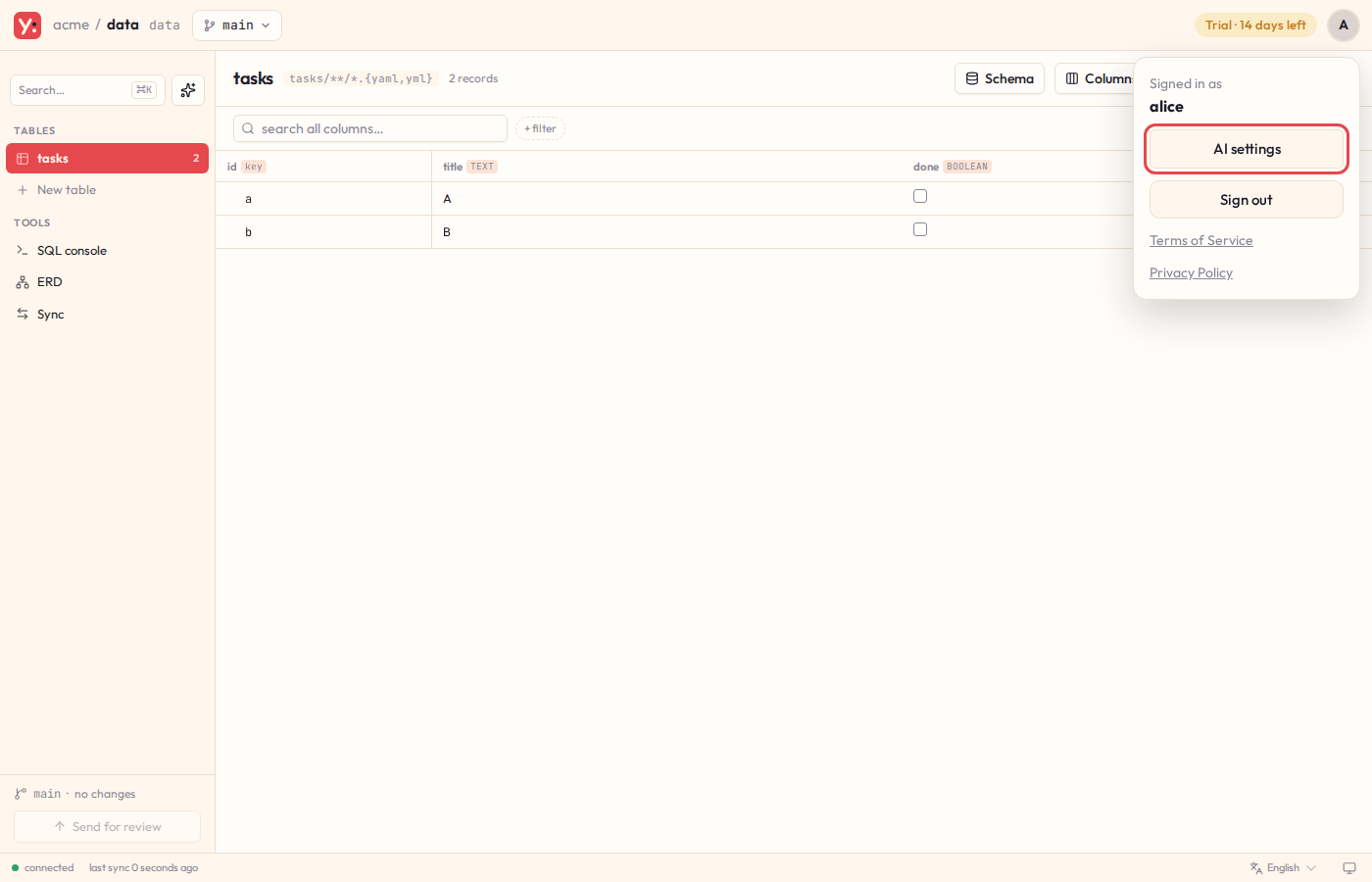
Open the account menu in the top right corner and select AI settings.
-
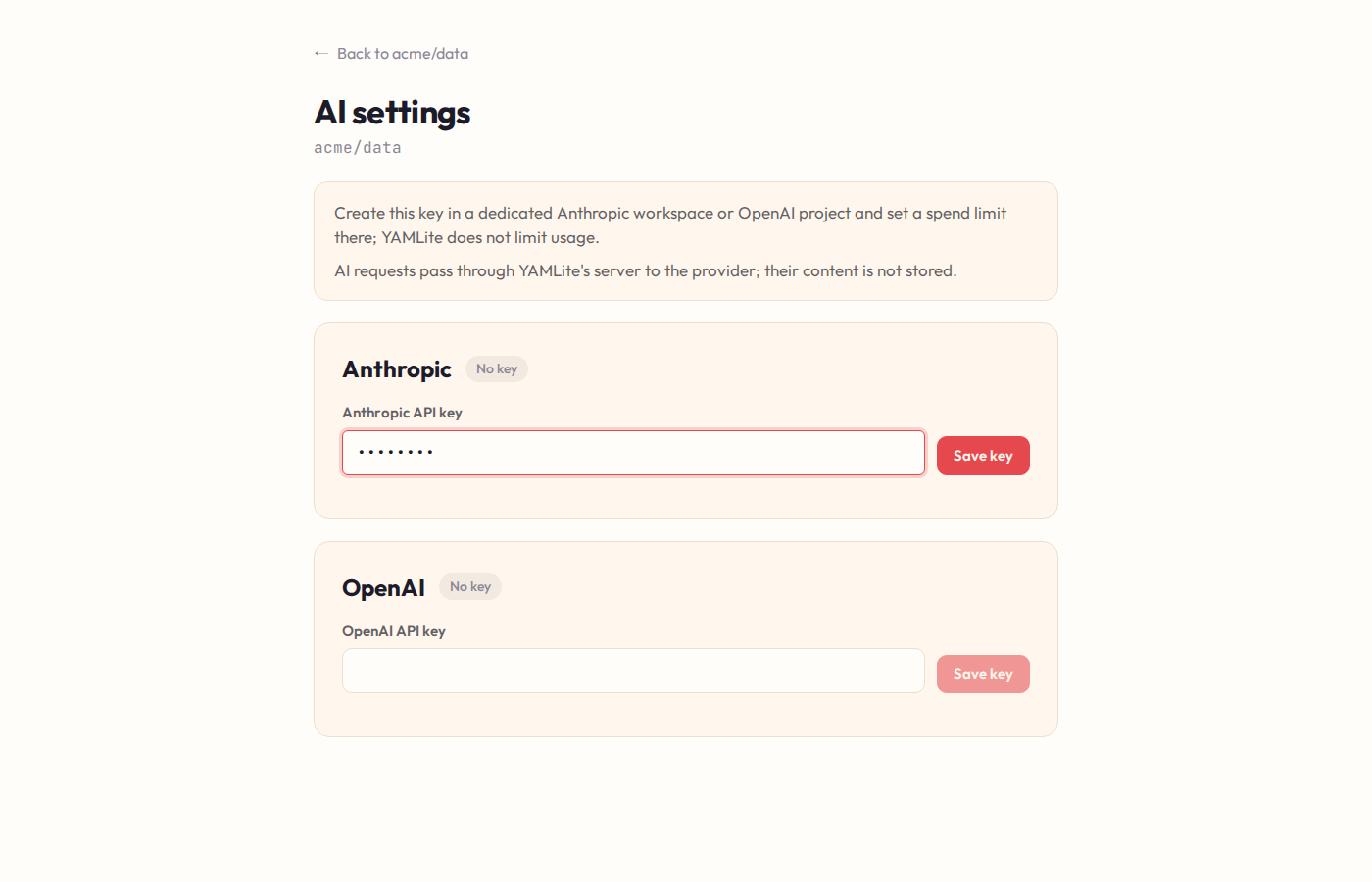
Enter your Anthropic API key and select Save key.
-
Check that the Anthropic heading now reads Key ending in and the last characters of your key.

-
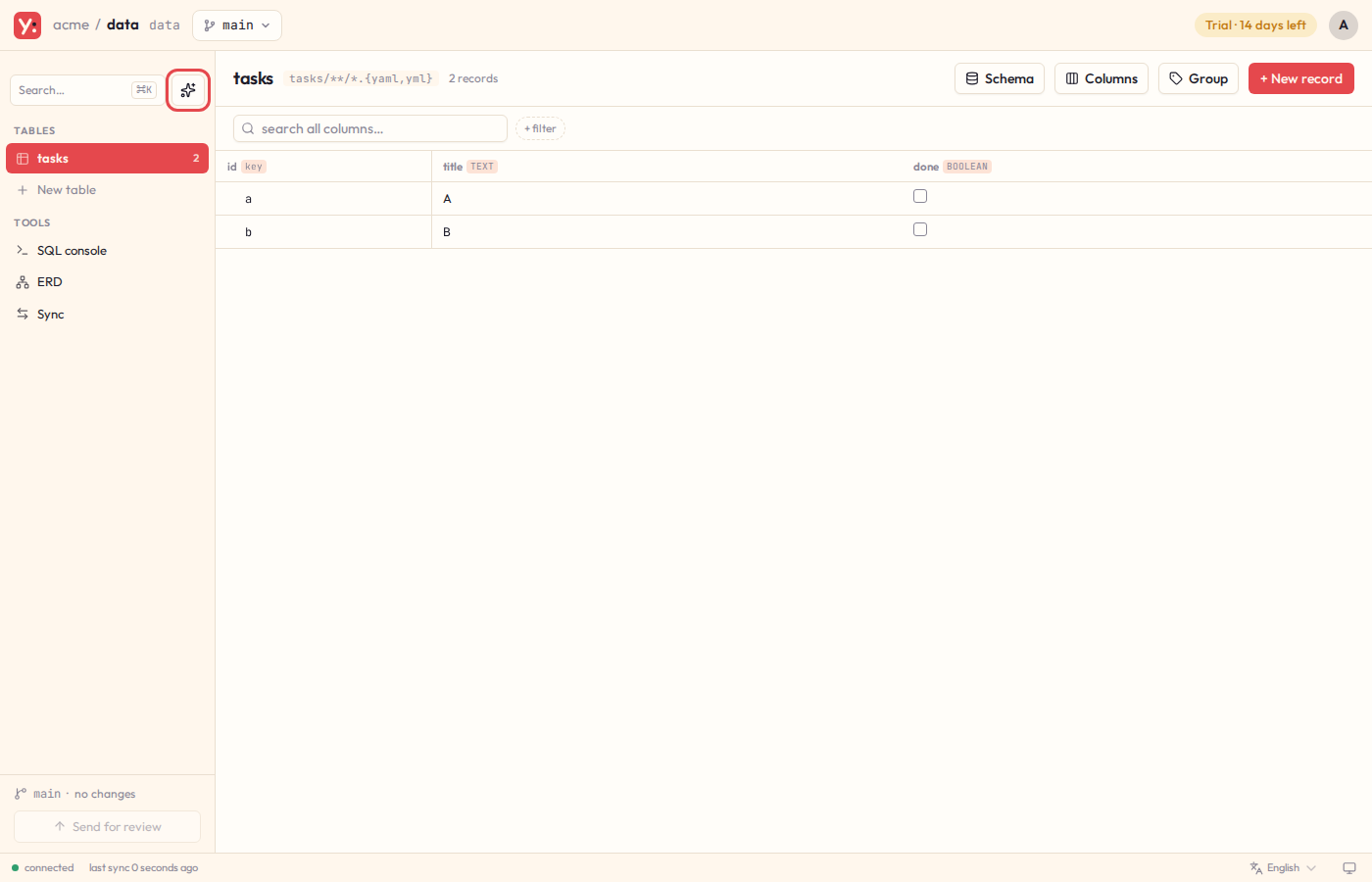
Select Back to acme/data, then select the Ask AI button next to the search box.
-
Type a request and select Send. The answer appears in the panel.
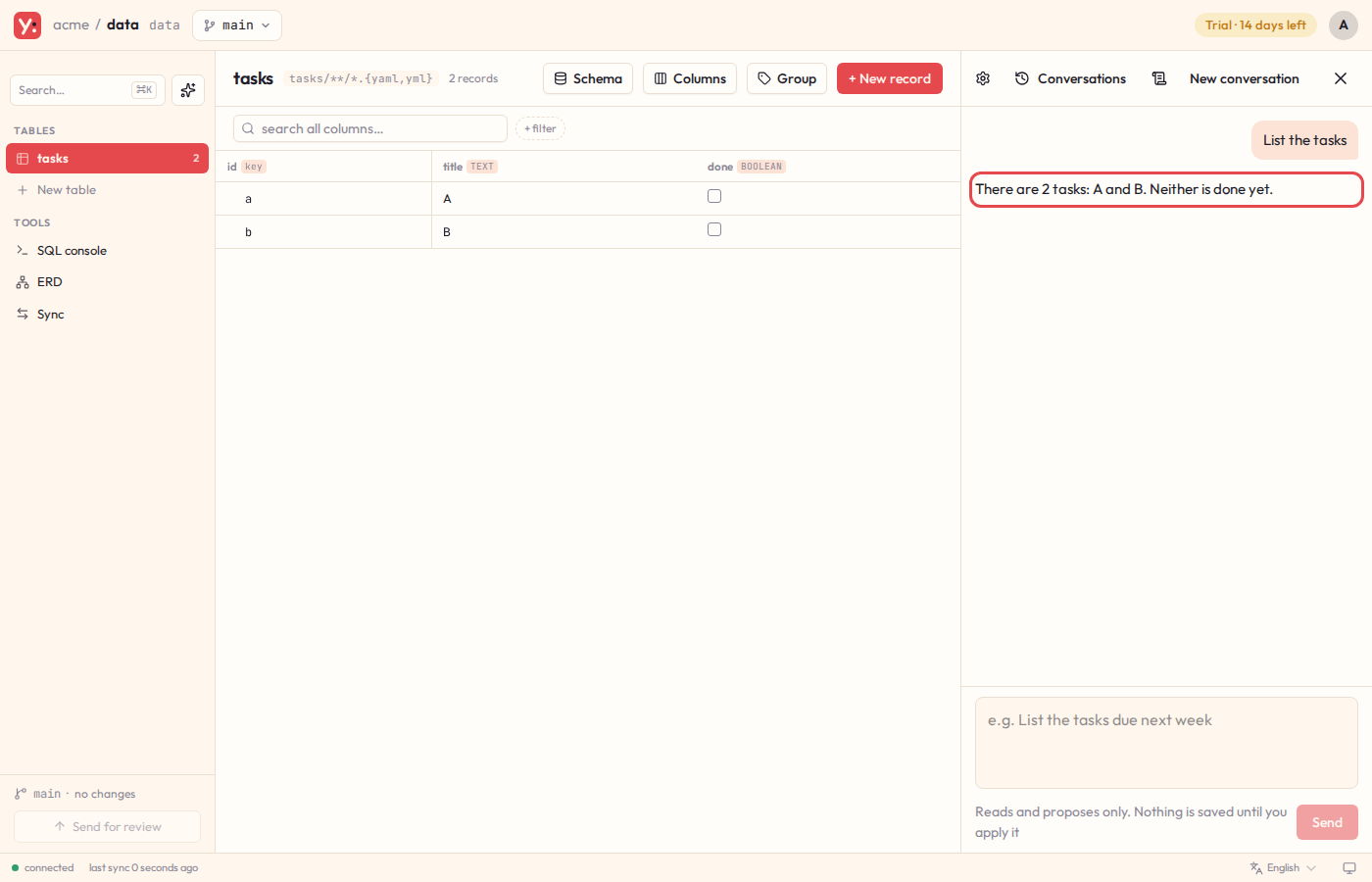
Ask AI only reads your data and proposes changes. Nothing is saved until you apply a proposal, and saved changes are then sent for review like any other edit.
The key belongs to the repository and applies to everyone who opens it. OpenAI keys work the same way on the same page. Create the key in a dedicated Anthropic workspace or OpenAI project and set a spend limit there, because YAMLite does not limit usage. Requests pass through YAMLite’s server to the provider, and their content is not stored.
Members who are not repository admins see the settings read-only. Without a key, the Ask AI panel tells them to ask an admin to add one.