
Pages
A page is a screen your team adds on top of the same data, such as a kanban board or a dashboard. You declare it in yamlite.yaml, and Cloud lists it in the sidebar of the repository.
-
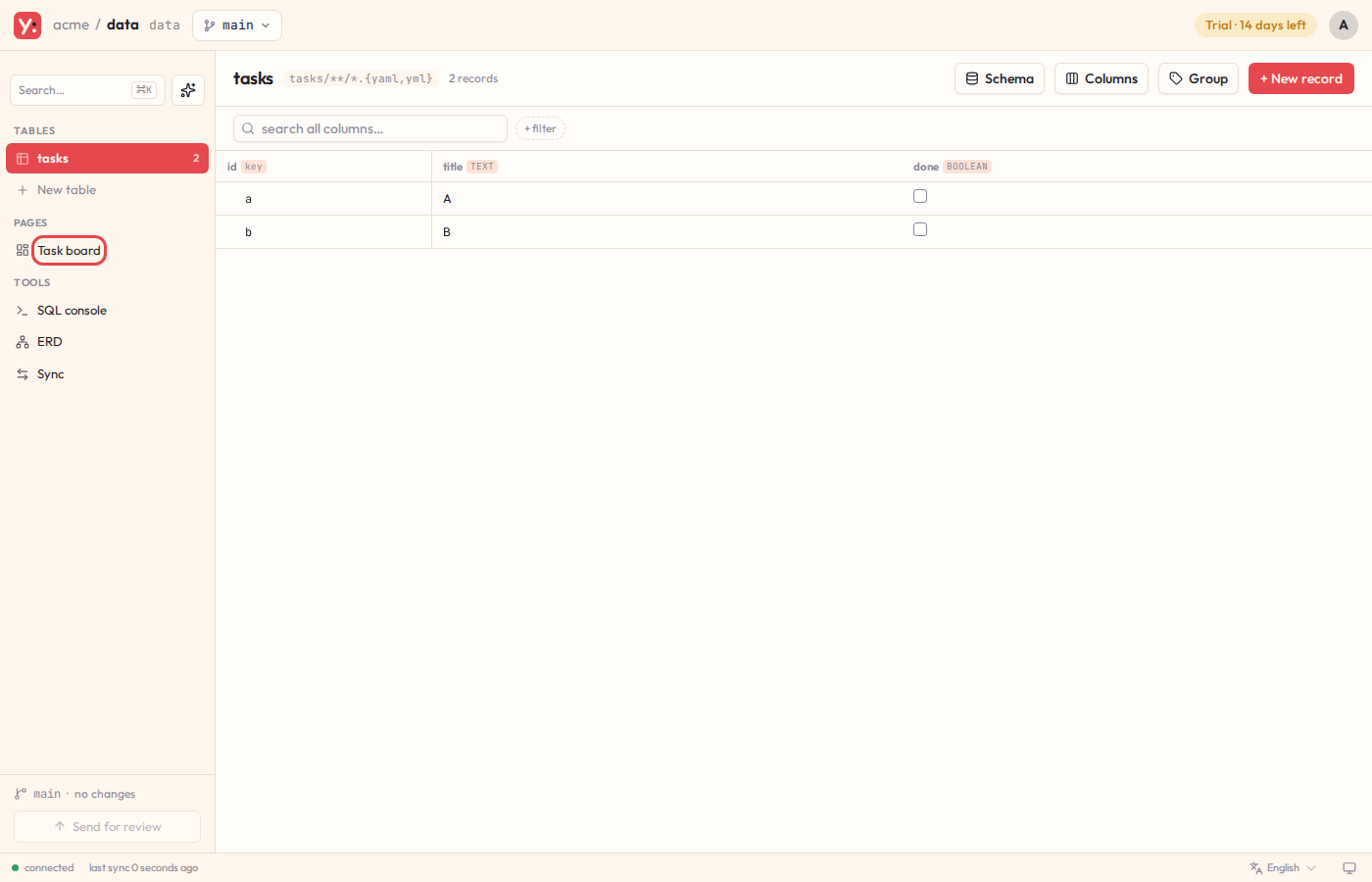
Select the page under Pages in the sidebar.
-
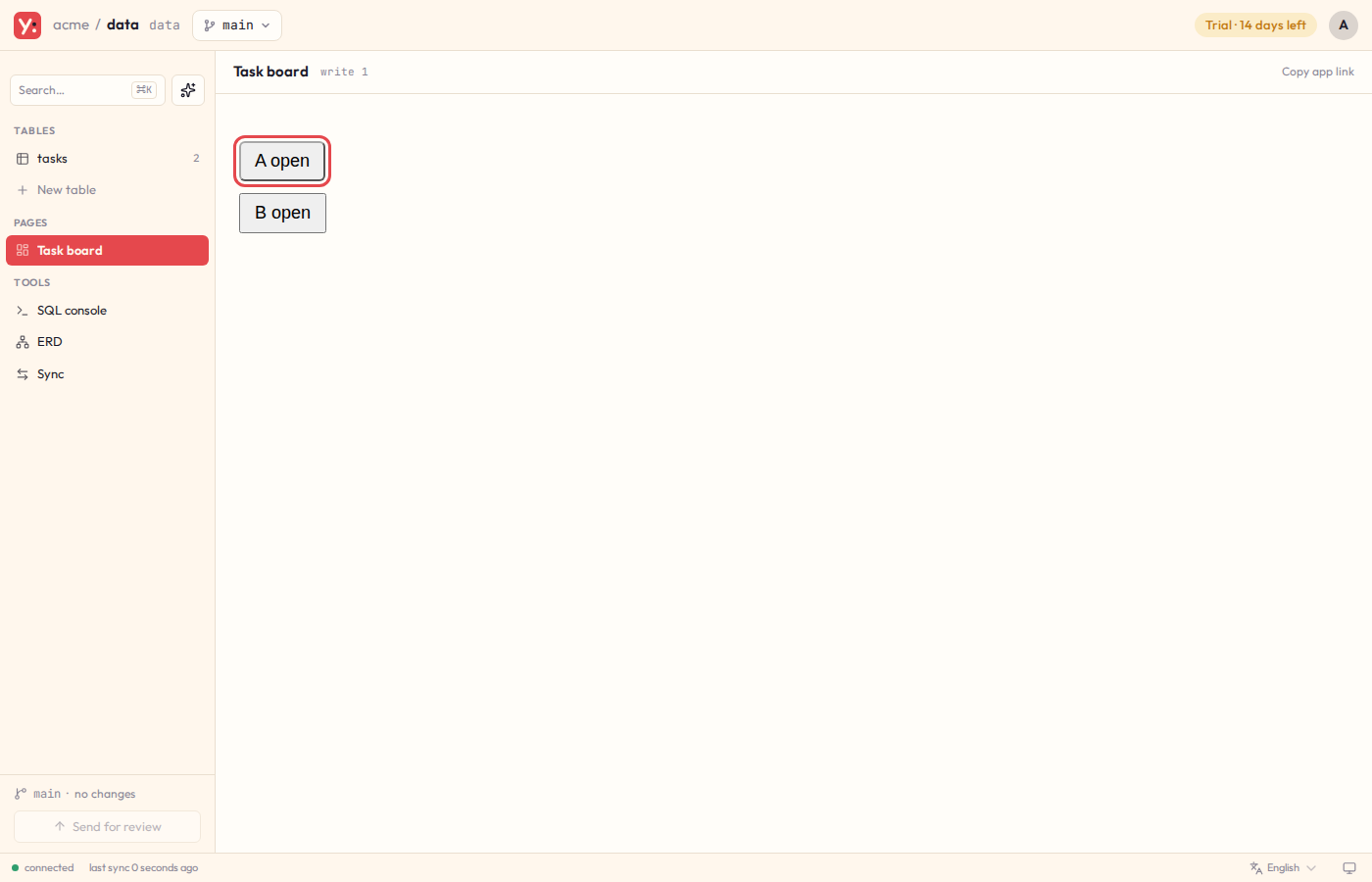
The page opens next to the sidebar and shows your data. Here it lists each task as a button.
-
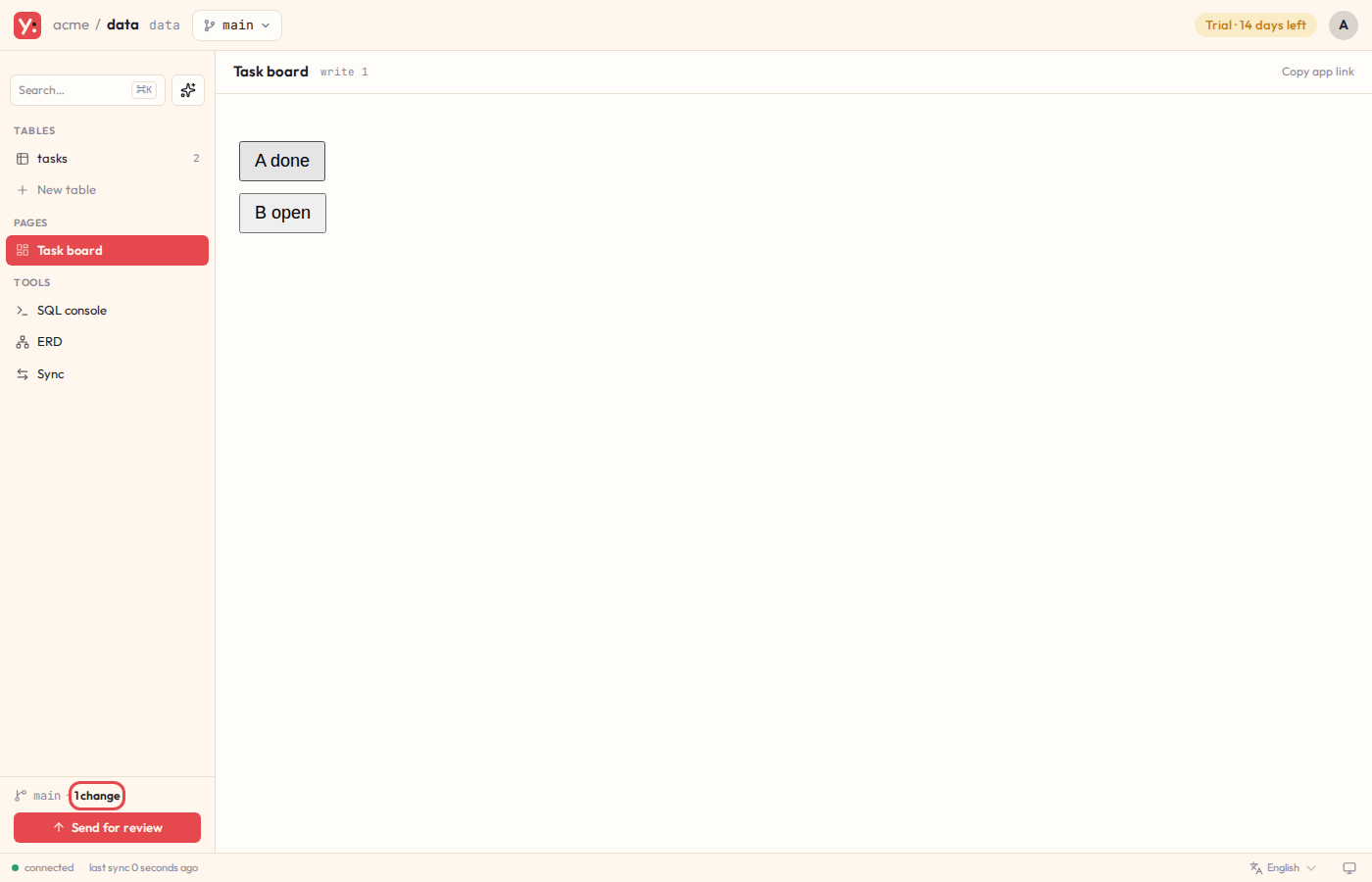
Use the page. This one marks a task done when you select it. The change is saved like an edit in a table, and the change count in the sidebar goes up.
-
To share the page on its own, select Copy app link in the page header.
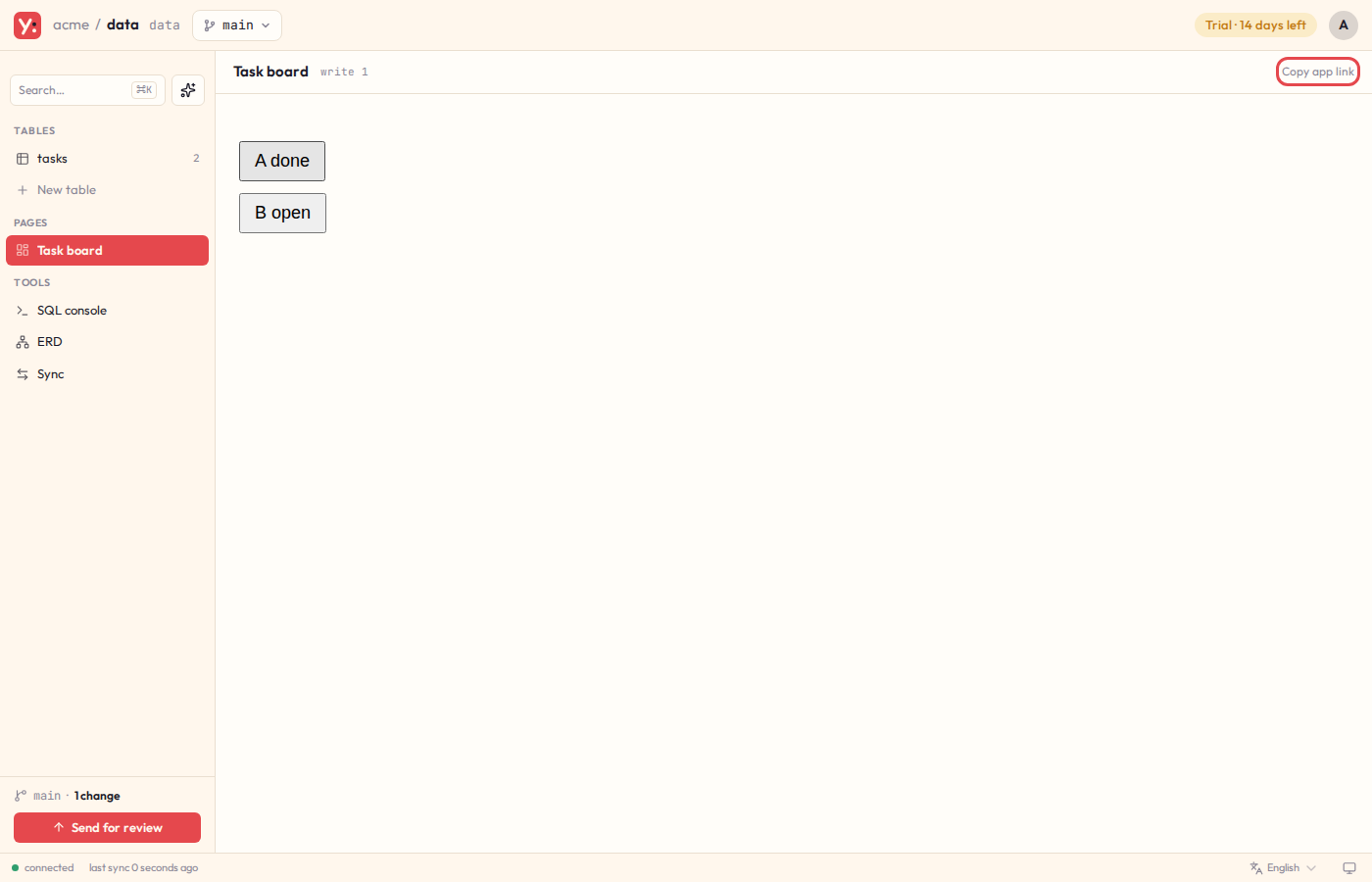
A page can only read and write the tables its access setting in yamlite.yaml allows. The header shows this next to the title, and Task board here is allowed to write to one table. Pages run in a sandboxed frame, so they cannot reach the rest of Cloud. See Pages for how to write one.
The app link opens the page alone, without the top bar or sidebar, on the repository’s default branch. The person who opens it signs in first, and edits made there are sent for review like any other. While you are on a review or another branch, the header also has Copy branch link, which opens the page alone on that branch, so others can see its edits before they are applied.
The changes a page makes are counted with your other edits, so you send them for review in the same way.