
Send changes for review
Cloud sends your saved changes to GitHub as a draft pull request. Your team reviews it there, and nothing reaches the main branch until the pull request is merged.
-
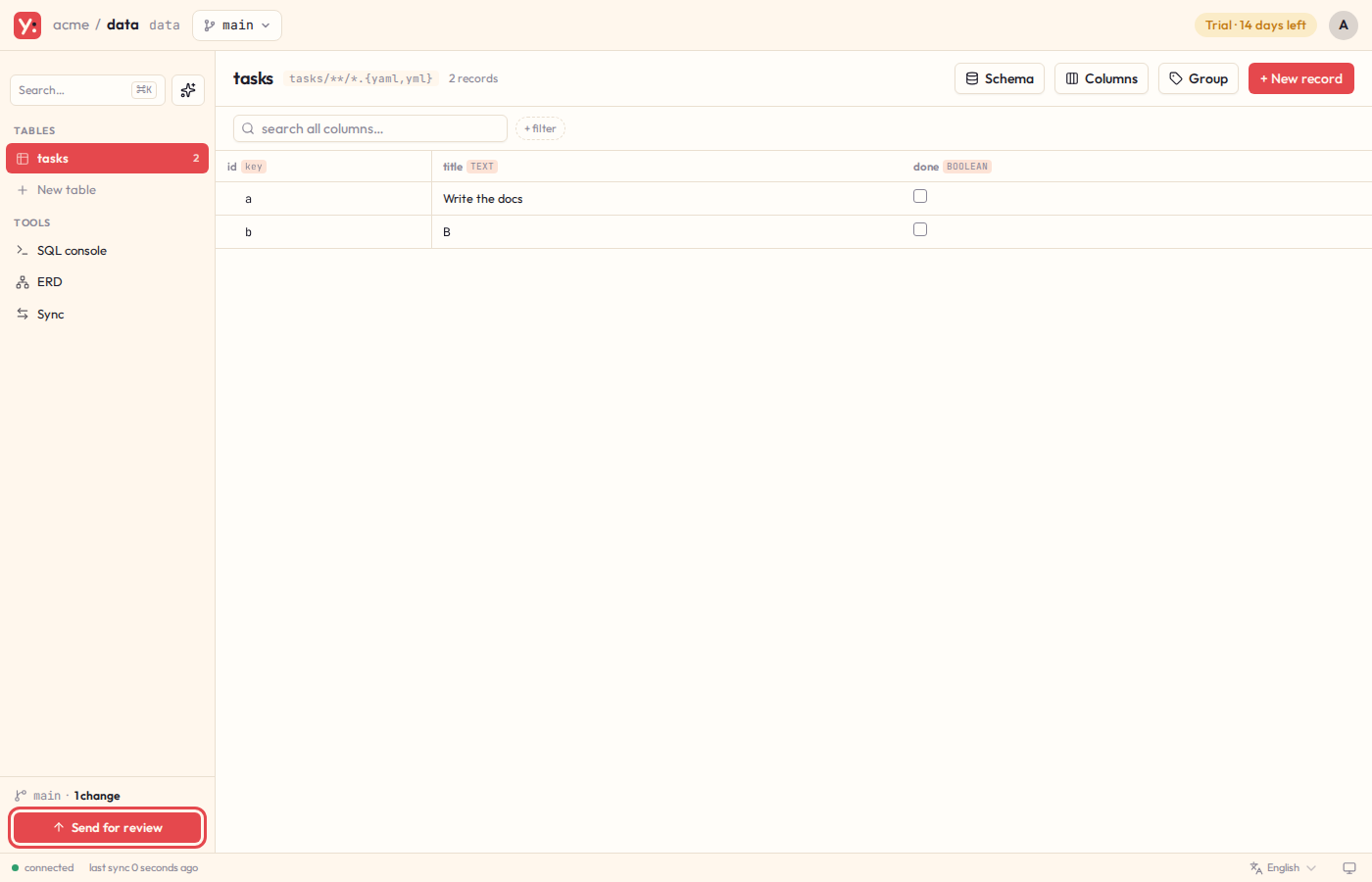
After you save an edit, select Send for review at the bottom of the sidebar.
-
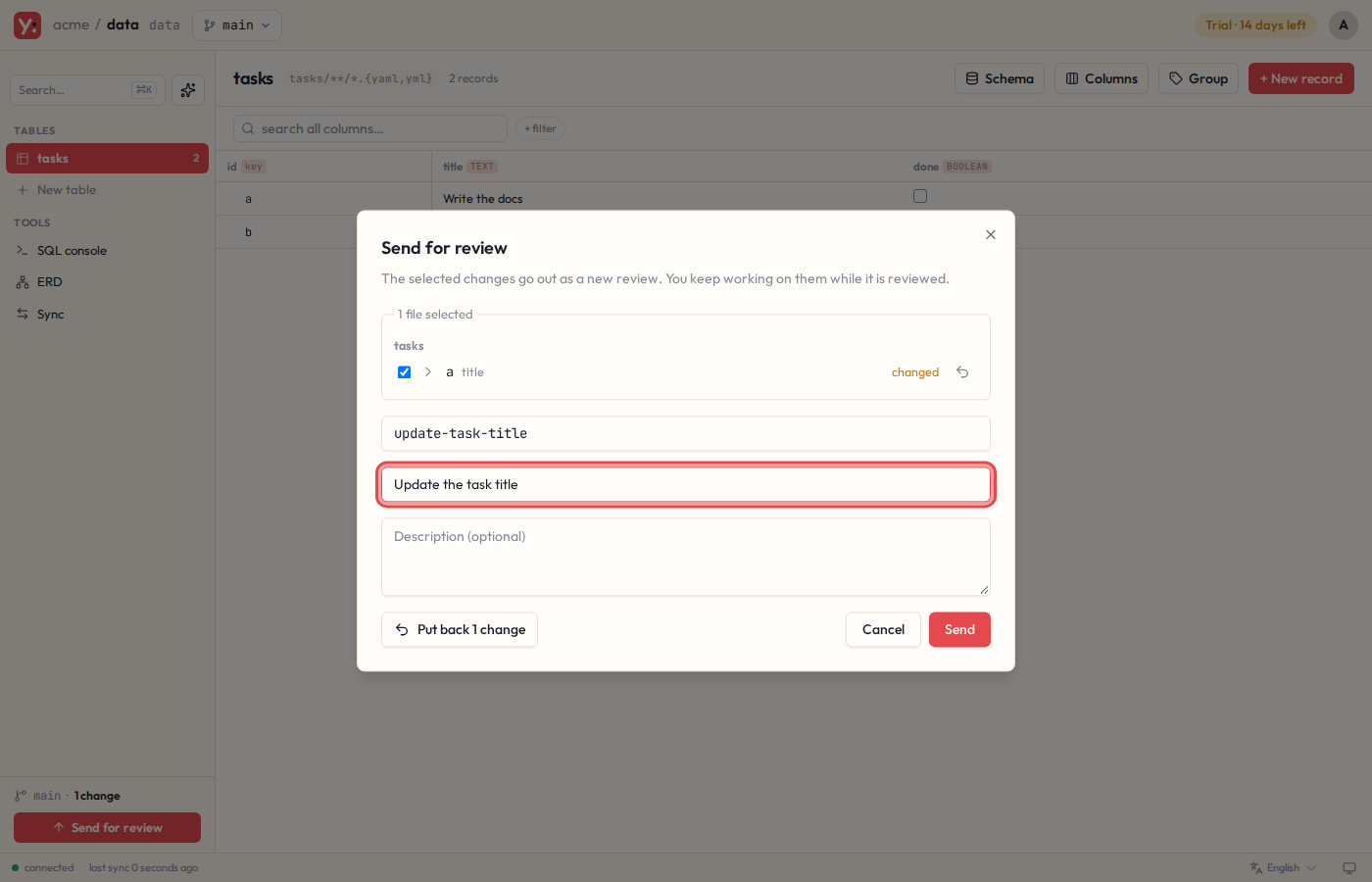
Enter a title for the pull request.
-
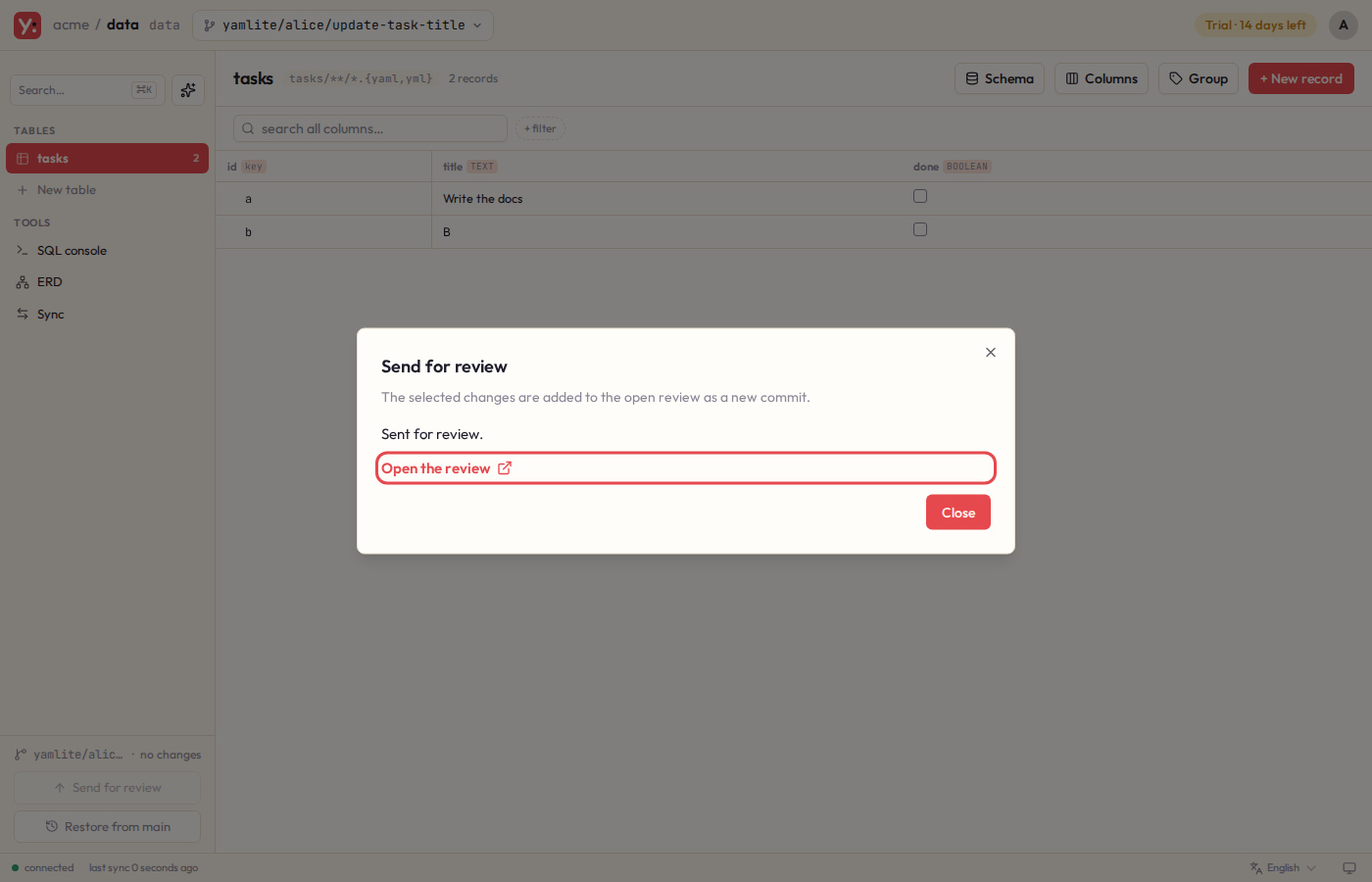
Select Send, then select Open the review to see the pull request on GitHub.
-
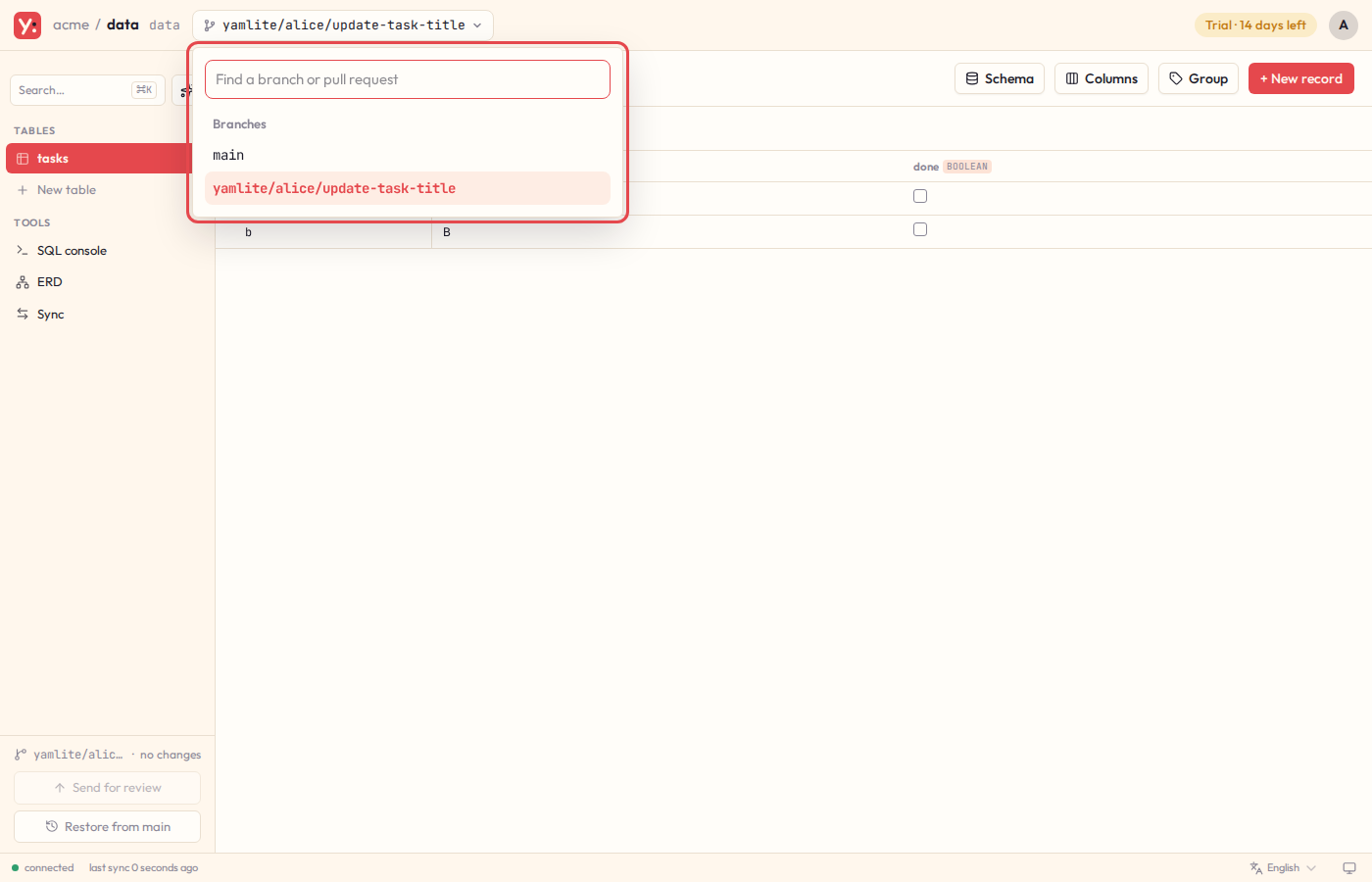
To go back to the main branch, open the branch picker and select main.
The dialog lists the files that changed, and you can clear the check box of a file to leave it out. The branch name and the description are optional. If you leave the branch name empty, Cloud names the branch after the time.
Cloud makes a branch for the review, and you stay on it after you send. Keep editing there to add more commits to the same review, or switch to main to start a new one. Switching to main shows the main branch’s data, without the edits you sent.